
SLabeler-LE
A downloadable tool for Windows, macOS, and Linux
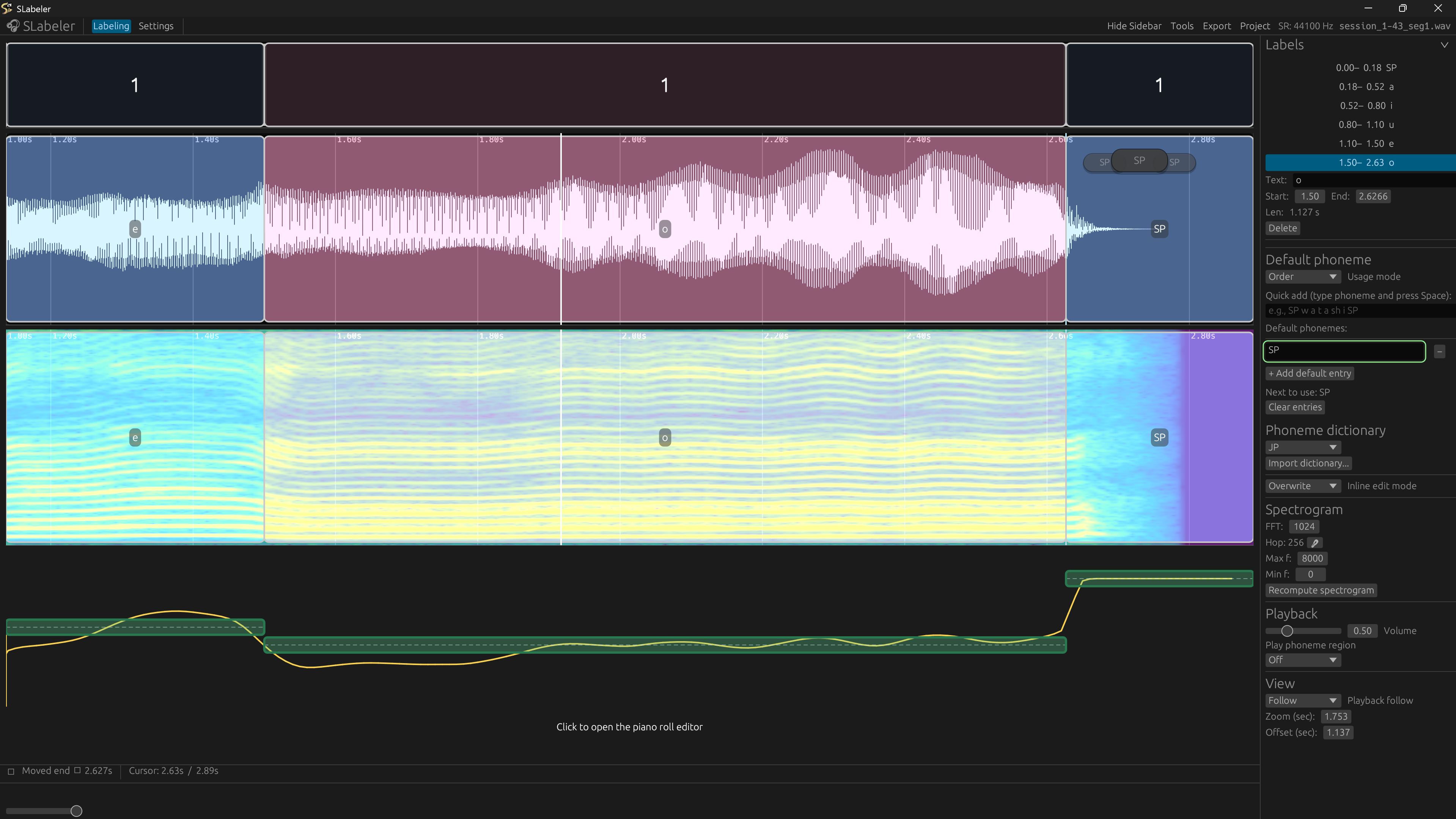
What it is: A software for labeling speech/singing audio with phoneme segments, editing estimated pitch curve values in a piano roll, and exporting to formats used by DiffSinger-style TTS/SVS systems.
(I will make this nicer later)
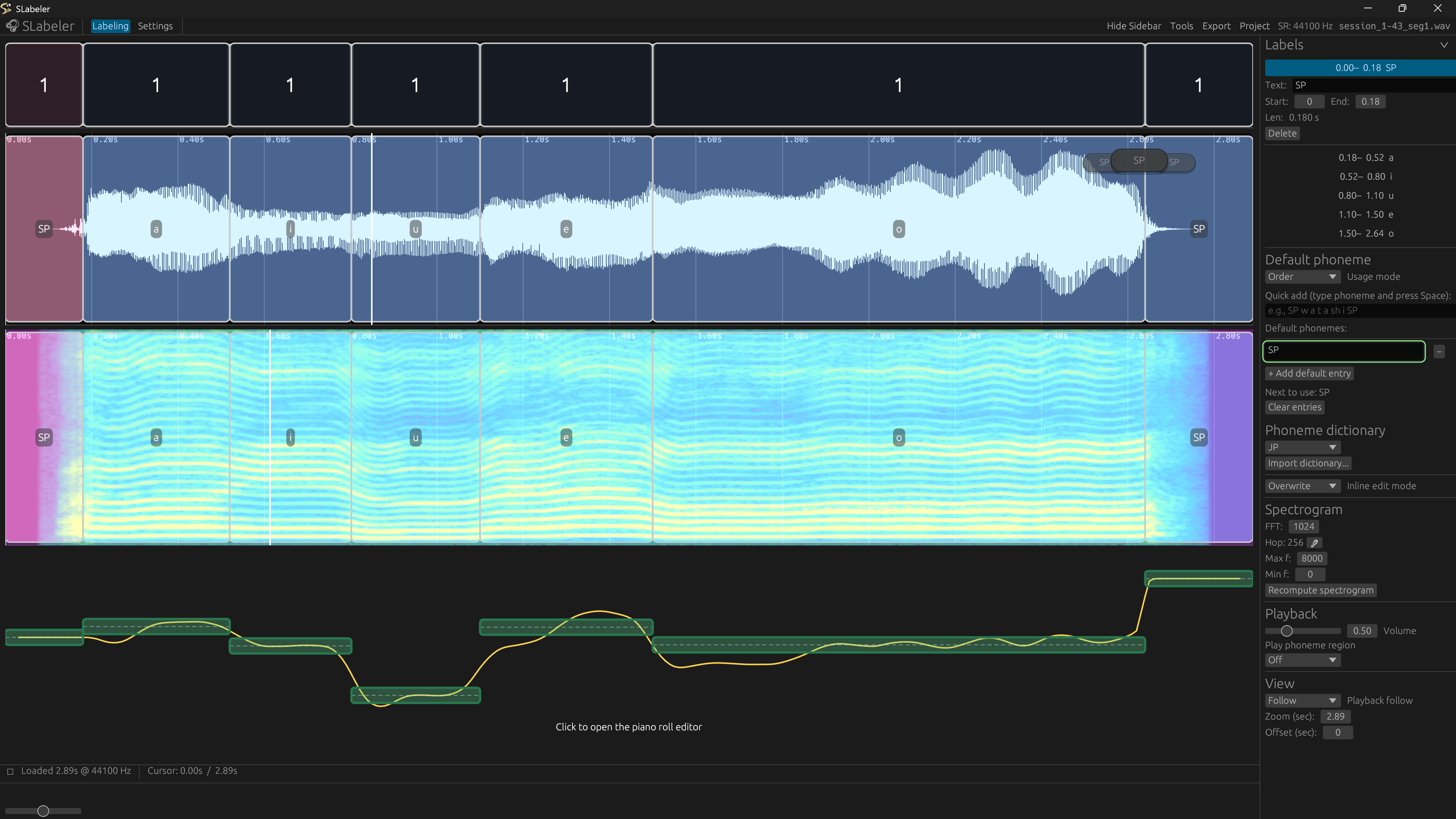
DISCLAIMER: This tool was tested on windows only and MLo7 only knows how to work with windows, so distributed file for non-window systems may be a bit weird.
Key features:
- Full labeling view (waveform + spectrogram + label overlays)
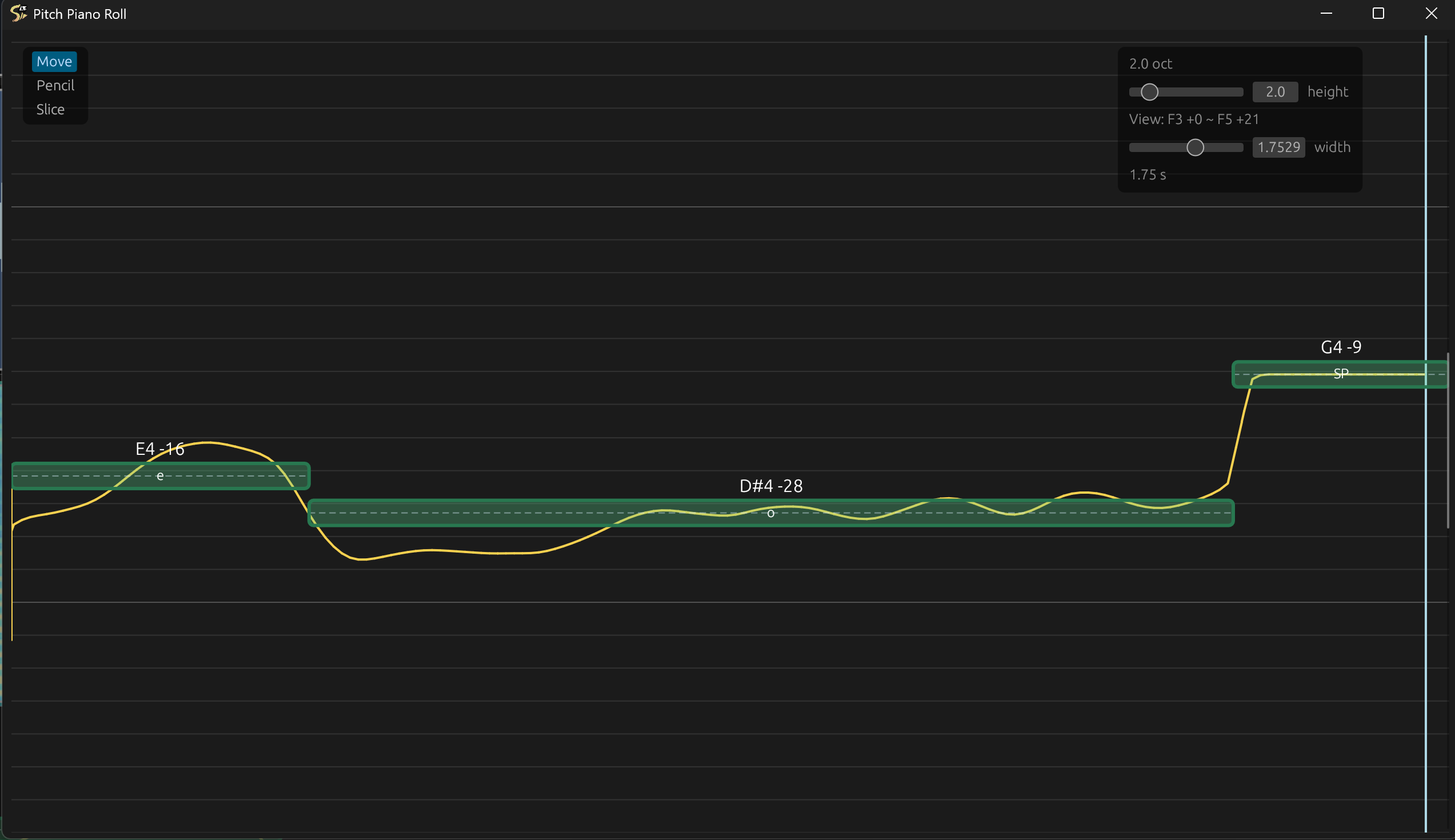
- Piano viewport with pitch curves and MIDI note bars
- Grouping row for phoneme grouping and adjustment (ph_num)
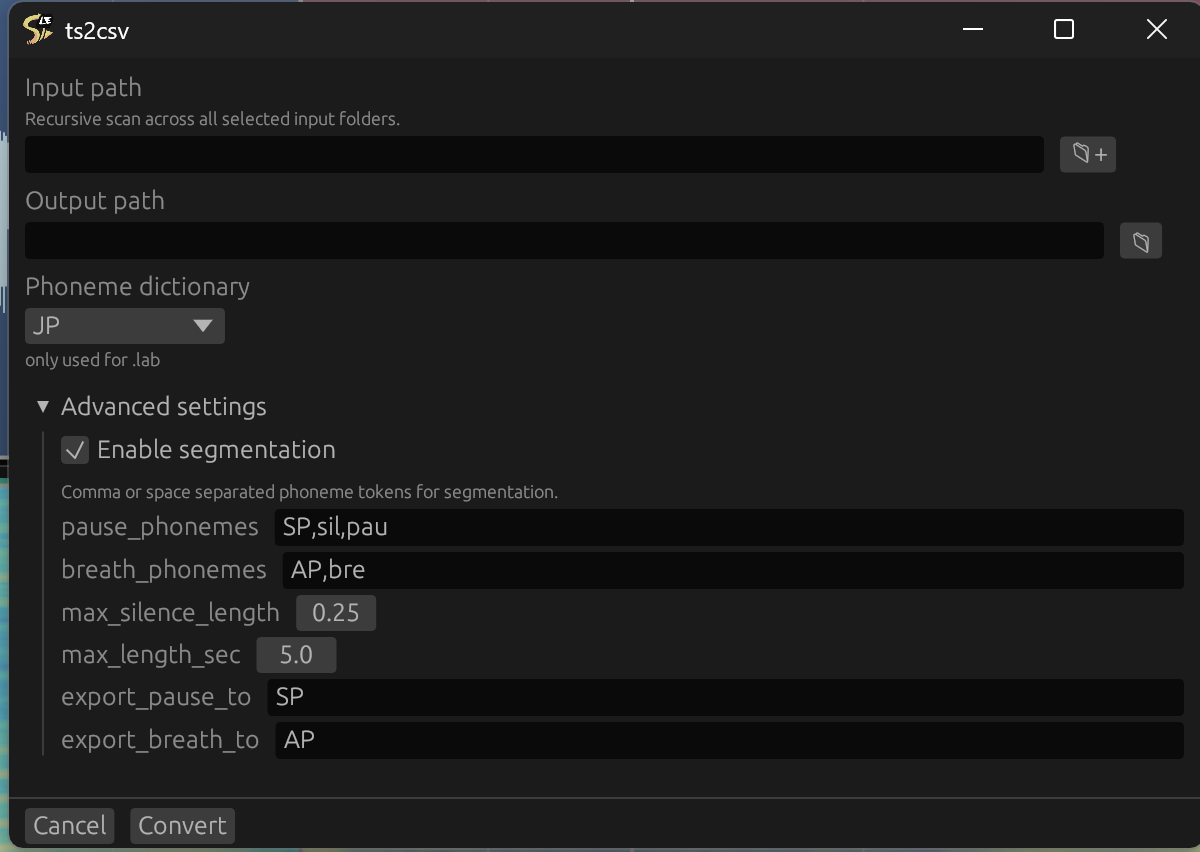
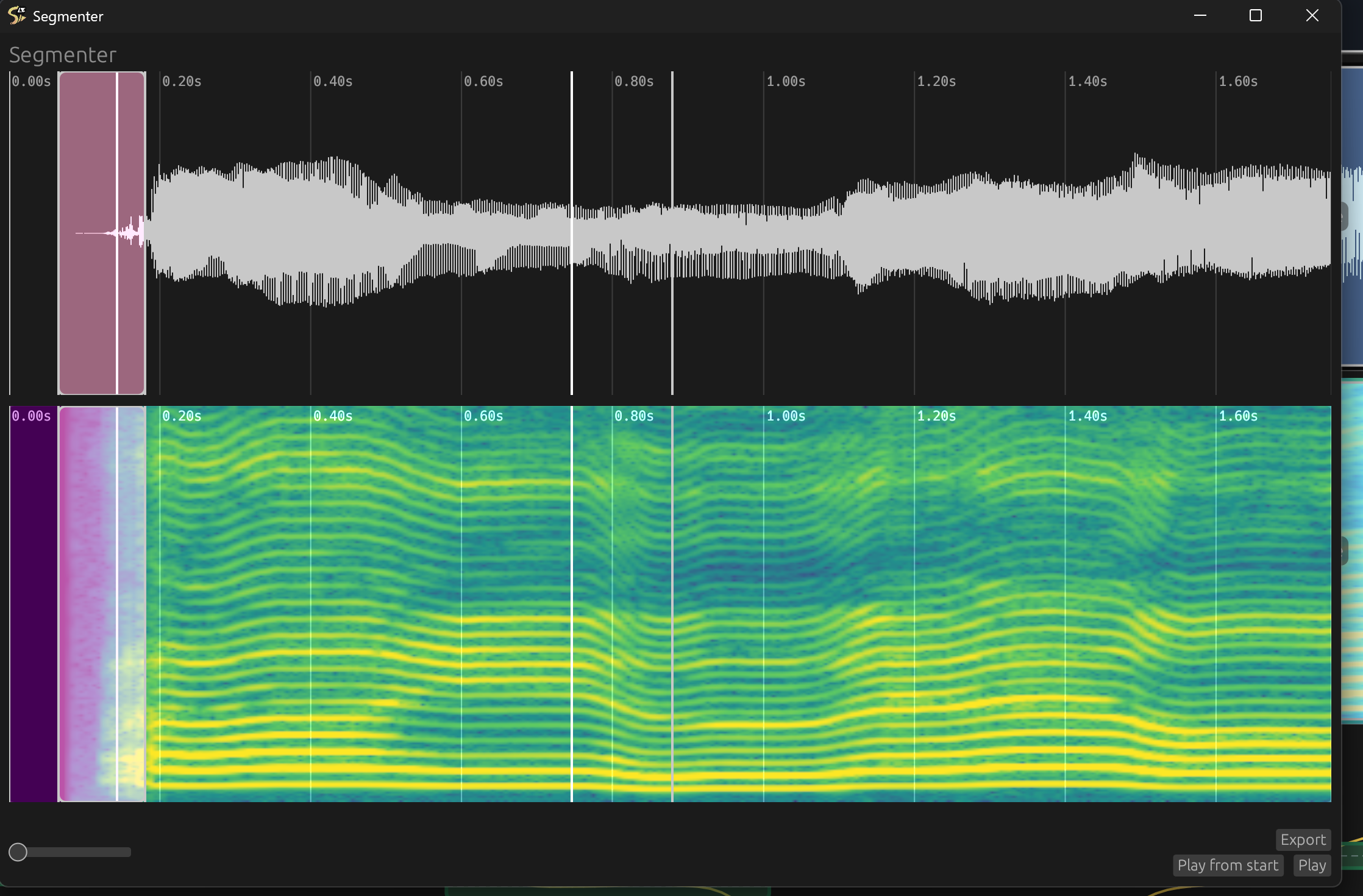
- Built in DiffSinger data conversion and segment tool
How to use:
- Simply drag and drop an audio file into the window (only one file at a time supported)
- Left click to select/adjust boundary, right click to add phoneme(s)
Customizability (in setting tab)
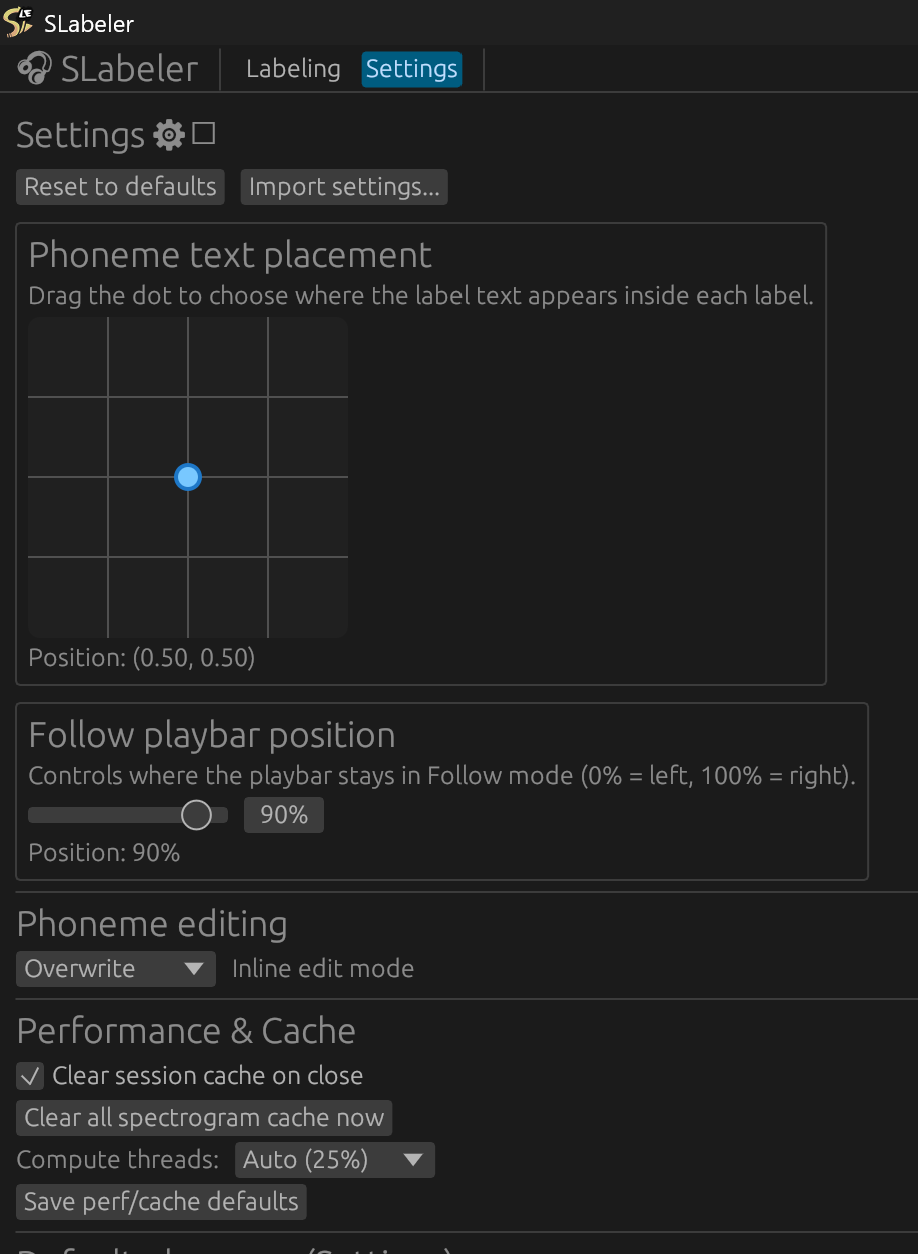
It is recommended to adjust the settings to the liking of the user, default theme is NOT ideal (MLo7 is dumb)
(Copy and paste from User Agreement google doc as a reference)
Very rough use guide
Main window:
- Once you open the GUI, drag and drop an audio file or .slab file (from the previous session) into it. Tip: If you have files with .txt/.lab/.ds/.csv extensions in the same directory, they will be used along with the input audio.
- Right-click to add entries. Left-click to change the playbar position and select an entry.
- Left-click and drag (non-boundary area) in either the waveform or spectrogram window to select multiple entries.
Tip: You can move phonemes in bulk or remove phonemes in bulk this way
- Shift+left-click to snap the closest boundary to the cursor.
- Shift+scroll to zoom. Control+scroll to zoom harder.
- PLEASE SEE SETTINGS TO SEE OTHER CUSTOMIZABLE SHORT-CUTS
- Multi-entries pre-typed by inputting phonemes in the entry box (copy-paste is allowed).
Pitch gui:
- Shift+scroll to scroll through the piano roll.
- Move tool: left-click-drag to move a note, right-click on the note to revert to the calculated position. Shift-left-click-drag to snap to scale.
- Pencil tool: left-click-drag to draw pitch, right-click-drag to revert pitch. Shift-left-click-drag to snap to scale.
- Slice tool: left-click to slur cut, right-click at the note boundary to merge notes.
Segmenter gui:
- Left click to select/move boundary.
- Right click to label segment position.
- Left click + drag a certain area to select a region then use delete shortcut (control+x by default) to remove the audio portion.
- Shift + left click + drag to quick select an entire segment region.
(The first phoneme in silence phoneme input will be used to pad the beginning and end of the segment if the segment doesn't contain a silence phoneme, this applies to both Segmenter kit and Data conversion kit)
Editable and add-ons:
- Strings translation (any .yaml file)
- Dictionary for phoneme grouping (any .json file)
Phoneme grouping types logic:
consonant - gets grouped with any other type.
vowel - acts as a “break anchor” for a new grouping under any scenario.
semi - gets grouped with vowel type, but acts as a “break anchor” when the previous entry is “consonant” type.
special - if any other phoneme types are in between this type, the phoneme around this type will get treated as “vowel.”
CREDITS for preset dictionaries:
JA: MLo7
IT: Ko_Ko
PTBR: Fuka
ZH: Archivoice
KO: (unnamed for the moment)
Download
Click download now to get access to the following files:
Leave a comment
Log in with itch.io to leave a comment.